
design-context-bridge
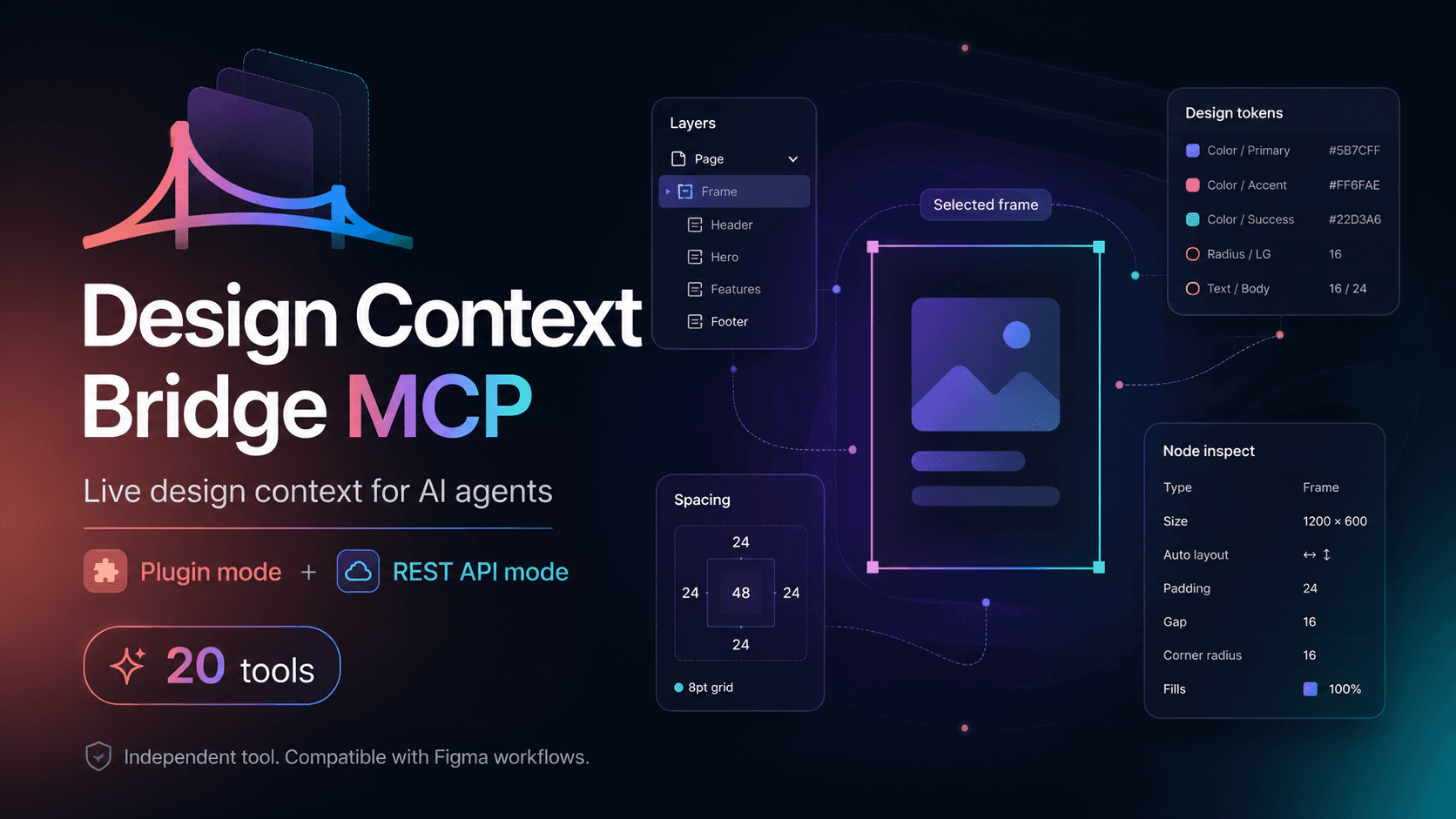
LiveSo AI can 'see' your designs without relying on images. It passes clean Figma data (layers, spacing, tokens) straight to your AI agents through MCP.
$
Why I built this
MCP (Model Context Protocol) is the protocol that lets AI agents call external tools instead of interpreting screenshots. When I saw that no one had connected Figma to agents in a way that exposed the real tokens — not the pixels — I built it.
What it does
- Any MCP-compatible agent — Cursor, Claude, Windsurf, VS Code, OpenCode.
- The agent accesses the real Figma data.
- The agent receives structured data — tokens, layers, spacing — and uses it to generate code that respects the design system from the first prompt.
How it works
- 01
The MCP server connects to the Figma file via API and exposes its structure — nodes, styles, variables — as tools any compatible agent can call.
- 02
When an AI agent (Cursor, Claude) needs design context, it calls those tools instead of asking for a screenshot.
- 03
The agent receives structured data — tokens, layers, spacing — and uses it to generate code that respects the design system from the first prompt.
What it exposes
Usage modes
You must install the plugin in the Figma desktop app to use it. Available on GitHub.
Depends on the Figma API and the usage limits of your account.
Build & Tooling
Links
Independent — not affiliated with Figma, Inc.