
Turbowash — Administration Panel
Internal panel for locations, pricing and day-to-day operations
The Challenge
Turbowash needed an internal tool so staff could manage locations, wash settings, pricing and operational data without calling on developers for every change.
My Role
I built the admin SPA frontend: data tables with filters and pagination, forms with validation (Formik/Yup), and integration with the existing API so the team can update and consult data on their own.
Key Features
- Location and terminal management
- Pricing and wash configuration
- Data tables with sorting, filters and pagination
- Form flows with validation and error handling
The Outcome
- Operations team can update settings and view data on their own
- Single React SPA aligned with the rest of the Turbowash front stack
How It Works
- 01
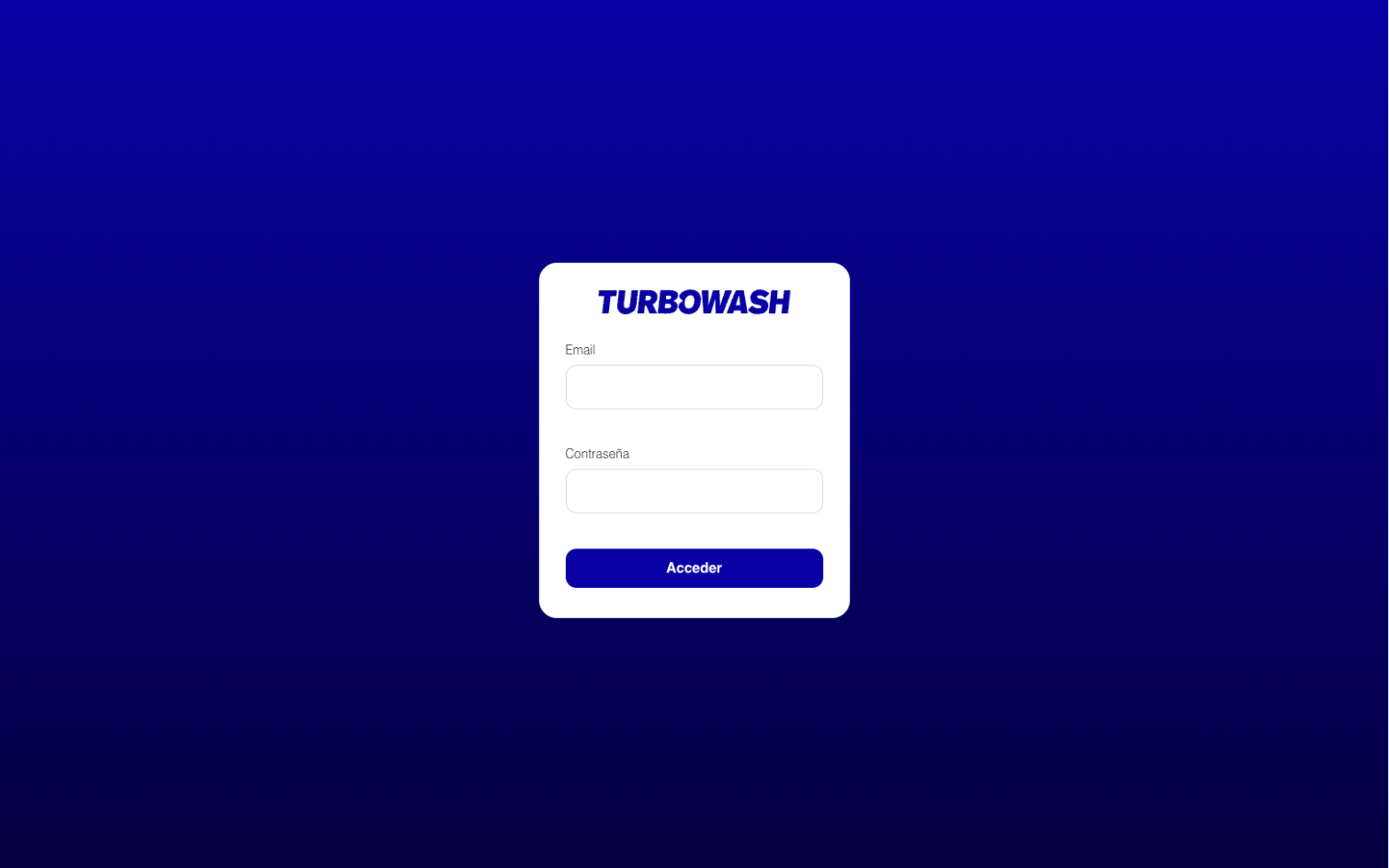
Staff log in and access the admin panel.
- 02
They manage locations and terminals from data tables with filters and pagination.
- 03
Pricing and wash configuration are updated via forms with validation.
- 04
Changes are saved through the API; the operations team works without developer involvement for day-to-day updates.
Stack
ReactViteTanStack QueryTanStack TableZustand
Gallery
01 / 06
Welcome screen — desktop