
Turbowash — Customer Area
Where customers manage vehicles, invoices and coupons
The Challenge
Turbowash customers needed a place to see their wash history, add or edit vehicles, download invoices, and use loyalty coupons — with a clear layout and straightforward navigation.
My Role
I built the customer area frontend: profile, add/edit vehicles with type and colour selector, invoice history, and coupon block. All wired to the Turbowash API.
Key Features
- Vehicle management with type and colour selector
- Wash history with detail
- Invoice download and billing info
- Loyalty coupons to redeem at the kiosk
The Outcome
- Stable, clear customer area in production for Turbowash users
- Fewer support requests about invoices and account data
How It Works
- 01
User logs in and sees the summary with the QR for use at the tunnel.
- 02
They can add or edit vehicles (type and colour).
- 03
Wash history and invoices are available to download.
- 04
Loyalty coupons are shown in the app and redeemed at the kiosk.
Stack
ReactREST API Integration
Project Link
https://turbowash.es/Gallery
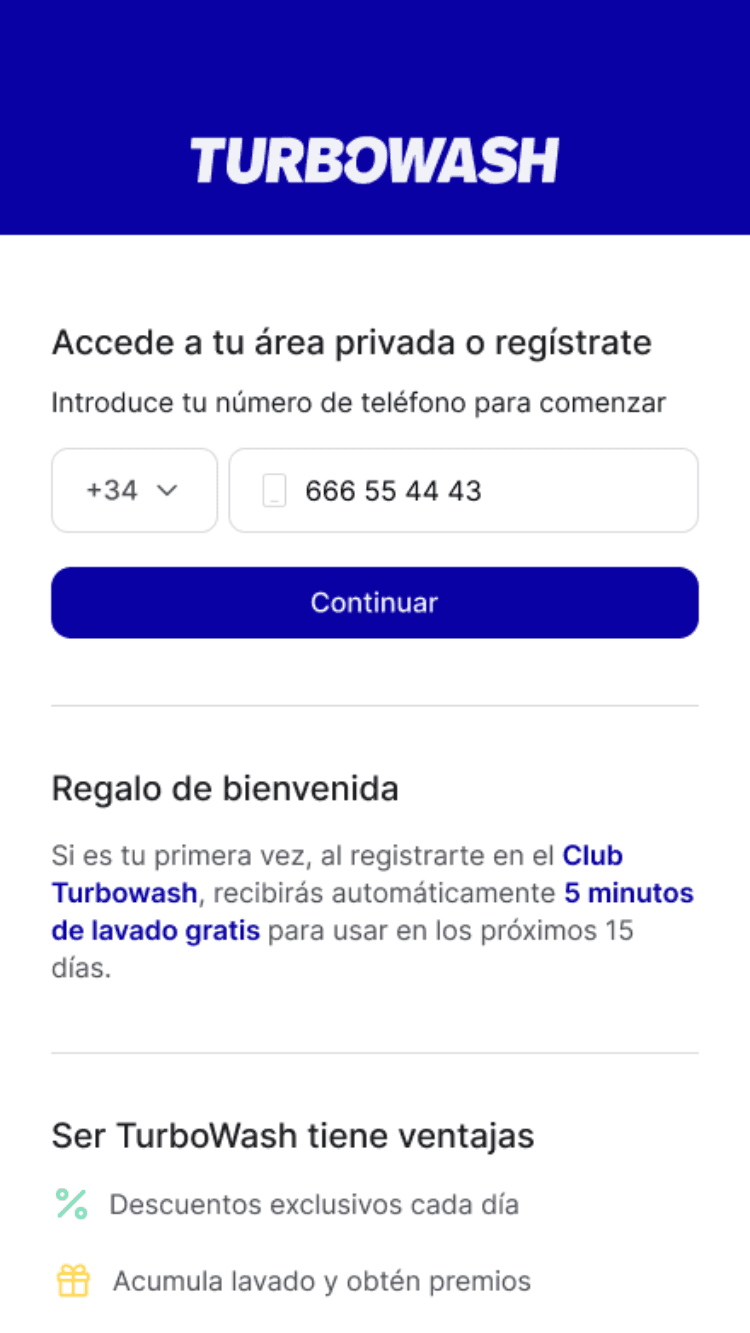
01 / 06
Welcome screen — mobile